

Windows 11 Activation in an Always-Online World: Why Internet Access Matters
Windows 11 uses cloud-based licensing by default, which means internet access plays a direct role in whether the operating system activates correctly. This design reflects how modern software is built and delivered. Yet many users still see the “Activate Windows” watermark after a fresh install, especially when the setup happens offline.
For anyone trying to activate Windows 11, the internet is more than a convenience. It is the bridge between the device and Microsoft’s licensing servers. Without that connection, Windows cannot confirm ownership, even if the system was previously activated on the same hardware.
Why Windows 11 Depends on Internet Connectivity
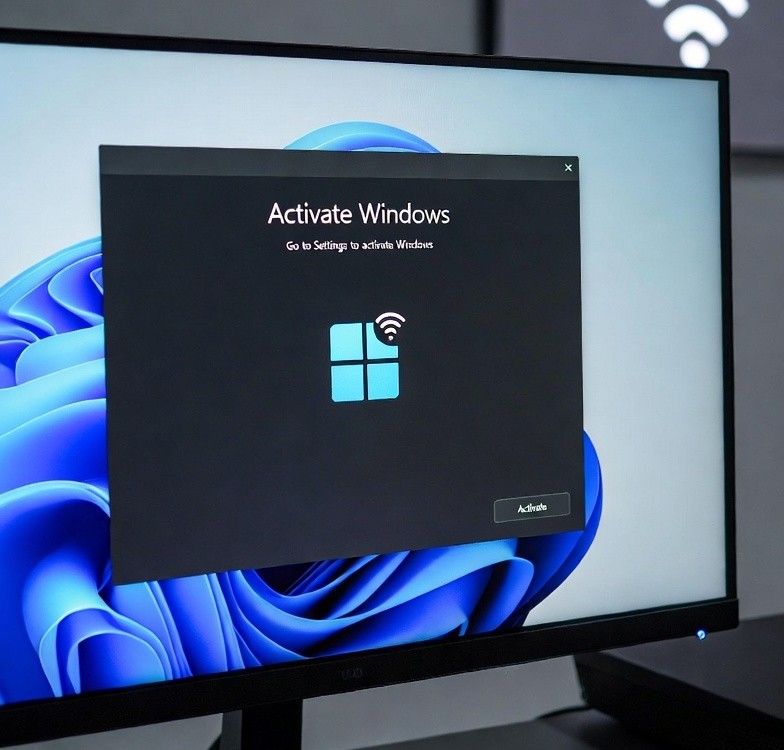
Older versions of Windows relied heavily on product keys typed during setup. Windows 11 still supports keys, but it prefers digital licenses tied to hardware and user accounts. These licenses live in Microsoft’s servers, not just on the local machine.
When a PC goes online, Windows sends basic hardware information to Microsoft. The system then checks whether that hardware already has a valid license. If it does, activation happens automatically. This is why many users see Windows activate minutes after connecting to Wi-Fi, even if they skipped the key entry during installation.
Microsoft Accounts and Digital Licenses
Microsoft accounts are now part of the activation flow. Signing in during setup links the digital license to both the device and the account. This makes future reinstalls easier, especially after hardware upgrades like a new SSD.
When setup happens offline, Windows cannot complete this link. The system runs in a limited state until it can verify the license online. That delay often confuses users, who assume something went wrong during installation.
Why Offline Installs Trigger the Watermark
The “Activate Windows” watermark is a reminder, not an error. It appears when Windows cannot confirm activation status. Offline installs are the most common cause. Without internet access, Windows has no way to reach Microsoft’s activation servers.
Even a valid product key will not fully register if the system stays offline. Windows stores the key locally, but it still needs online validation. Once the device connects, the watermark often disappears on its own after verification completes.
Online Verification Simplifies Everything
Staying connected during and after setup removes most activation headaches. Windows 11 is designed to check licensing in the background. Users do not need to open menus or contact support in most cases. For people upgrading their system, using a Windows 11 Pro key can further streamline activation and improve how the operating system handles online features and account-based licensing.
This approach also helps when hardware changes occur. If the motherboard remains the same, Microsoft usually recognizes the device. When larger changes happen, signing into the same Microsoft account can restore activation without manual steps. Many users only realize this after they activate Windows 11 again on a rebuilt system and see it succeed within minutes.
Common Misunderstandings About Activation
One common belief is that activation must happen during installation. That is no longer true. Windows 11 allows setup to finish first, then verifies later. Another misunderstanding is that the watermark means Windows is unusable. Core features still work, though personalization options remain limited.
Some users worry about privacy when Windows connects online. Activation checks use minimal data, focused on licensing and hardware identity. It is not a full system scan, and it does not track personal files.
The Bigger Picture of Always-Online Software
Windows 11 reflects a broader shift in software design. Cloud services, account-based access, and online validation are now standard. This helps reduce piracy and makes user experiences more consistent across devices.
For users, the trade-off is clear. Reliable internet access simplifies setup, recovery, and long-term use. Offline workflows still exist, but they often come with extra steps and temporary limits.
Final Thoughts
Windows 11 works best when it can communicate with Microsoft’s servers. Internet access allows licenses to sync, accounts to link, and systems to confirm their status quickly. Users who understand this process spend less time troubleshooting and more time using their PCs. In an always-online world, staying connected remains the easiest way to activate Windows 11 and keep the experience smooth.